Listing-ready photos, straight from your phone.
Real estate agents: snap every room, tap Edit All, and download MLS-ready photos in room order. No photographer needed.
10 photos and 10 staged rooms free. No card required.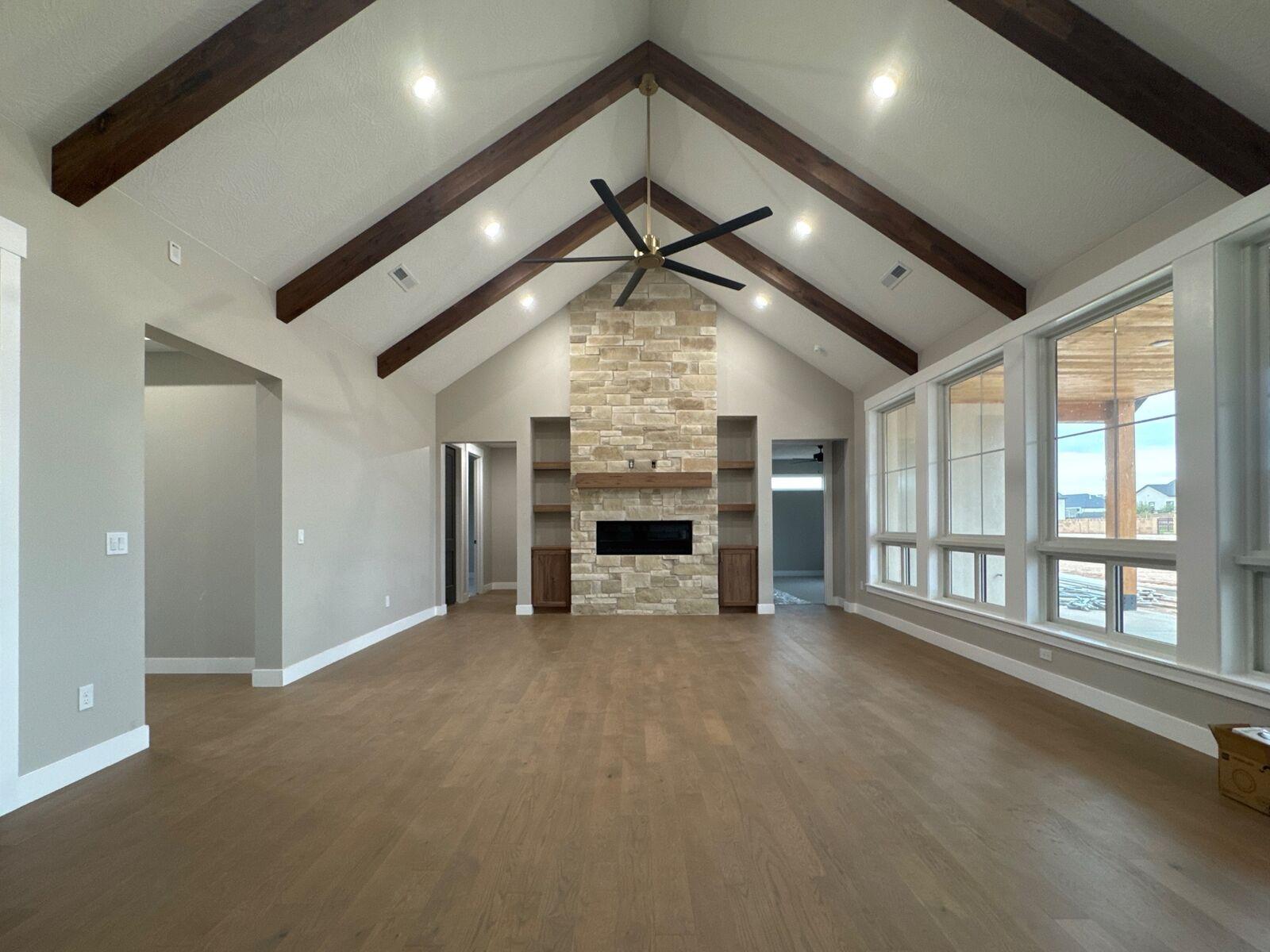
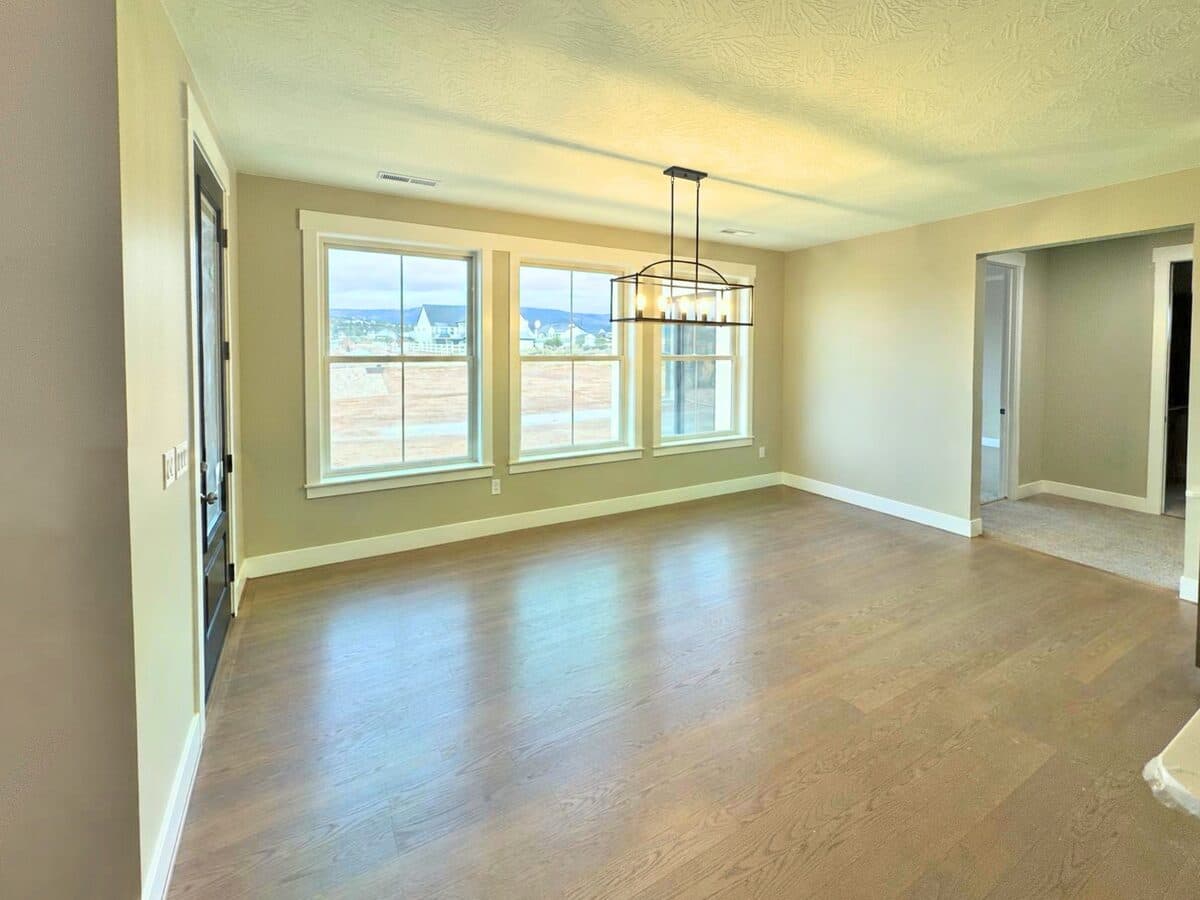
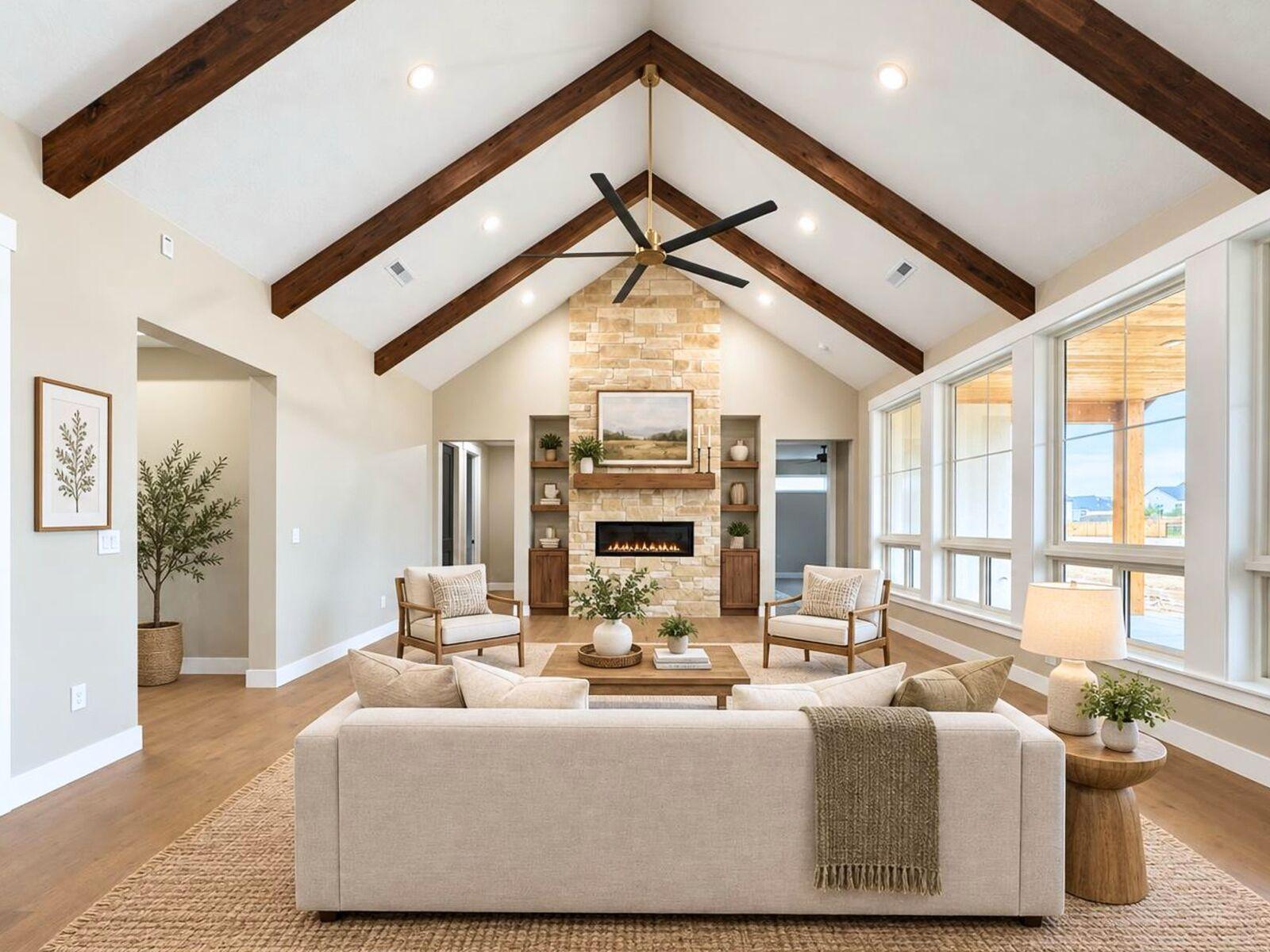 Virtually staged
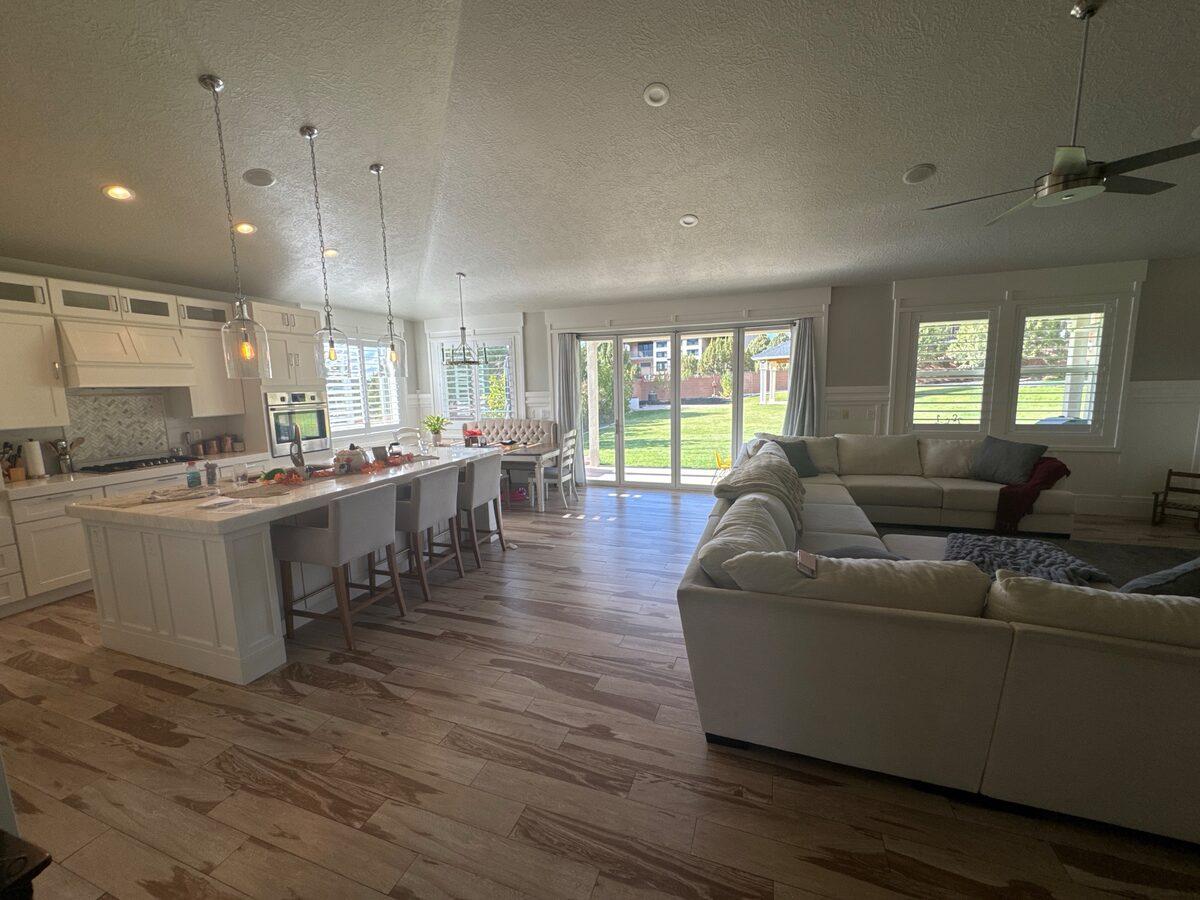
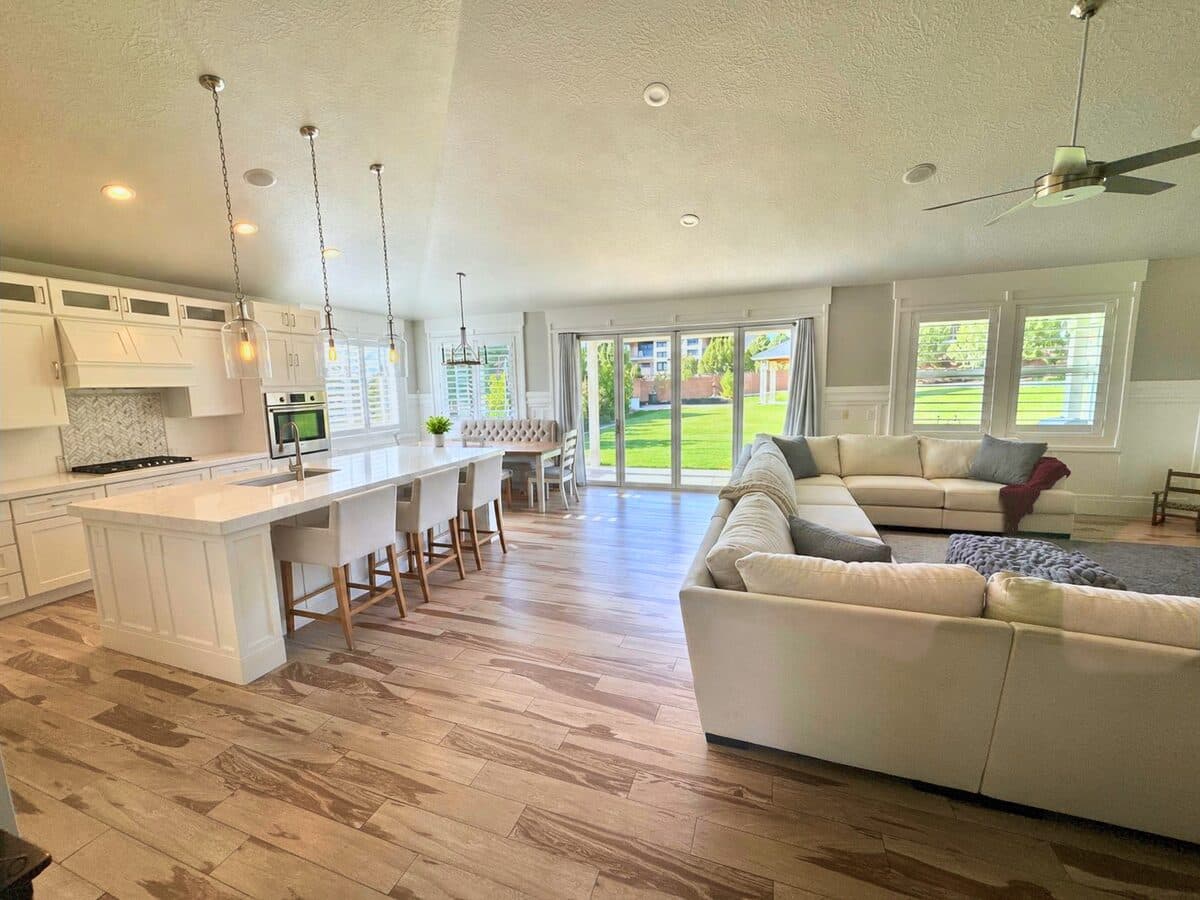
See the difference
Drag the divider on each photo.
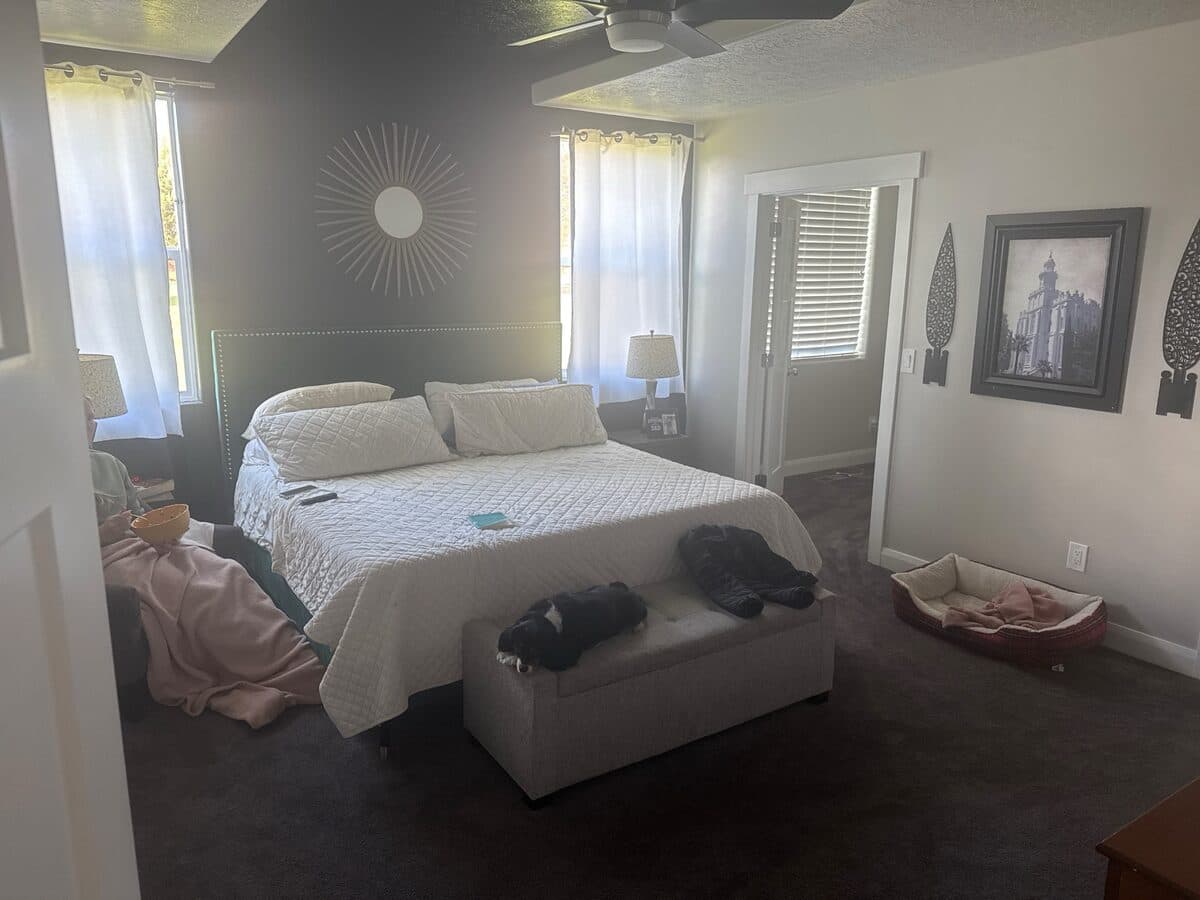
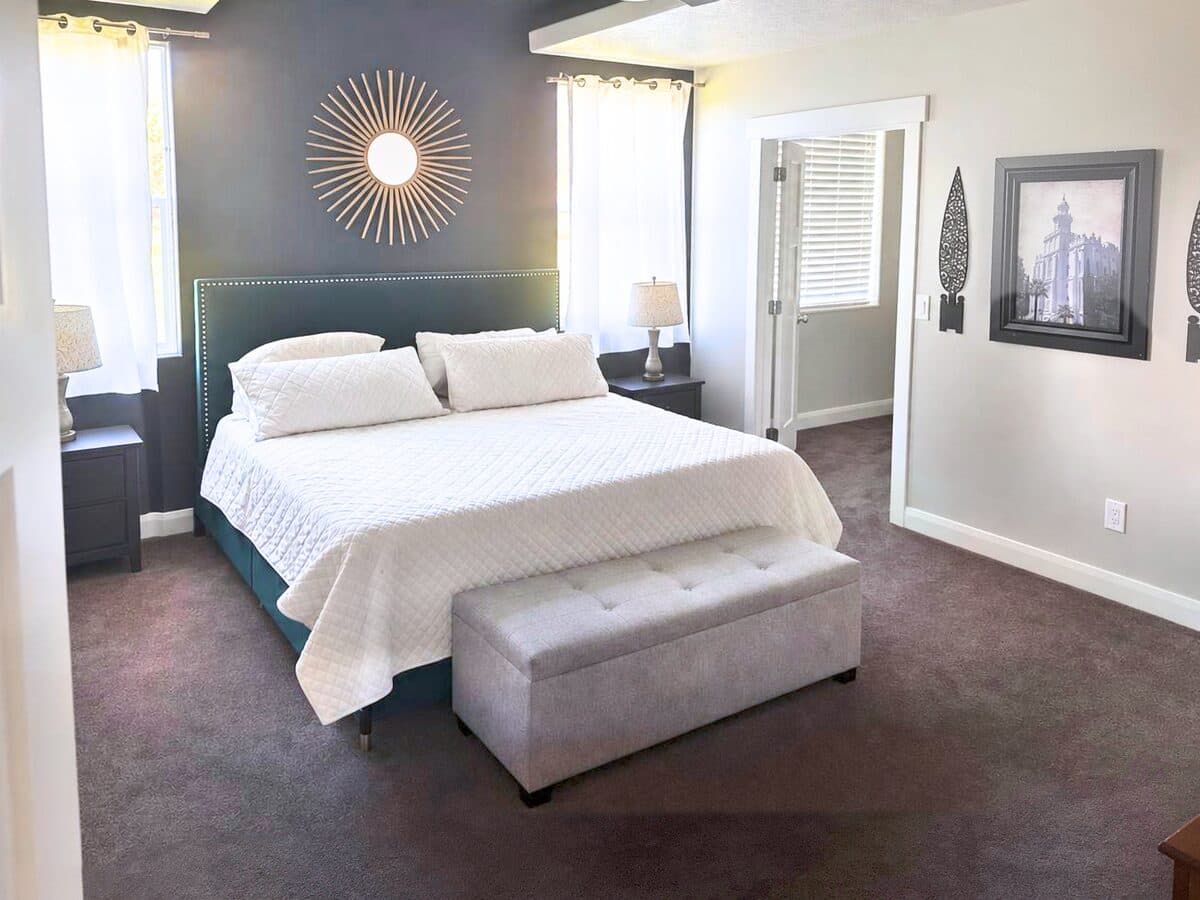
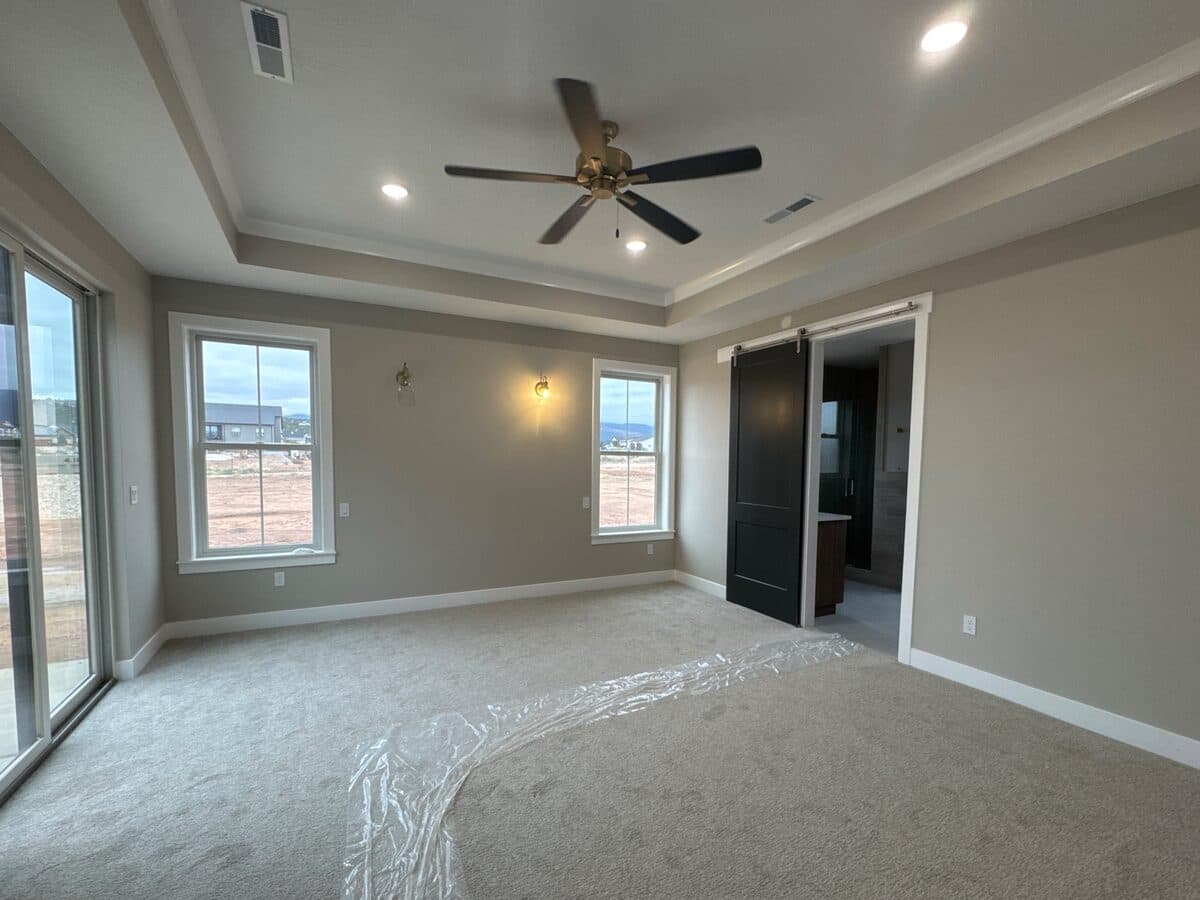
 Virtually staged
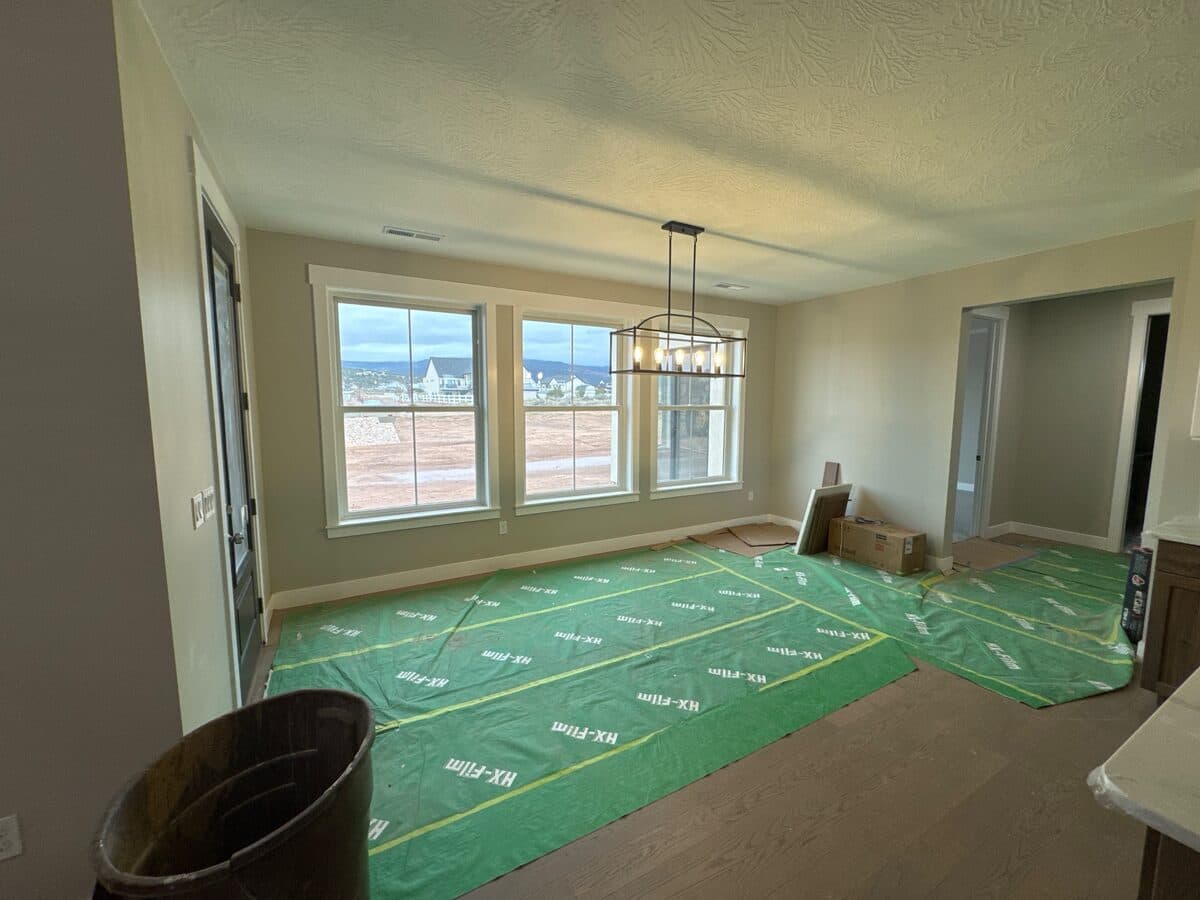
See it in action
Two 45-second looks at what Photo Time does. Tap to play with sound.
How it works
- Snap every roomTake the photos in Photo Time, or add them from your camera roll.
- Tap Edit AllEditing runs in the cloud. Close the app; the bell tells you when it's ready.
- Download in room orderOne download with every photo in room order, ready for the MLS.
What you get
- Clutter cleanupCountertop clutter, toys, pet items, trash bins, yard signs and other loose items removed. Decor that belongs to the home stays.
- Virtual stagingFurnish vacant rooms in Modern, Traditional, Farmhouse, or Rustic Cabin style.
- Smart room orderingPhotos are tagged by room and lined up in MLS order.
- Public remarks draftingMLS-style remarks drafted from your photos and the home's facts.
Better photos of the real home
We fix light, color, and clutter, and never change paint, flooring, or the home's condition. Staged photos, including added decor, are clearly labeled.
What agents say
★★★★★
“I loved how easy the program worked from inputting the pictures in, getting them enhanced, and download/saving them. My favorite feature was being able to do additional enhancing with adding flames in the fireplace and showing the TV's on with a specific screen. I look forward to using the program again on my next listing.”
★★★★★
“I used to dread the time and money spent on listing photos. Now it’s a breeze. Thanks PhotoTime.”
Pay per listing
No subscription. Pay only for the listings you shoot.
A photographer charges $150-300 per listing. This is $29.
Pay once per listing, no subscription. 5 free re-dos on every listing. Full refund any time before editing starts. Card payments through Stripe.
Common questions
How are staged photos labeled?
Every staged photo, including one with added decor, carries a "Virtually staged" label, as most MLSs require. The unstaged version of the same photo is always kept, so you can post both.
Does the AI ever change the home itself?
No. Edits fix light, color, leaning walls and clutter. Paint, flooring, fixtures, windows and the view stay as you photographed them, and Fix something can't add or change permanent features like doors, windows, cabinets, counters or flooring.
What happens after the free trial?
The trial covers one listing: up to 10 photos and 10 staged rooms. Everything you edited stays yours to download. To keep going, pick a package for the listing: $29 for up to 50 photos or $49 for up to 100. On your trial listing, the 10 free photos are added on top. No subscription.
How does the download match MLS room order?
Each photo is tagged by room (exterior, kitchen, living room, primary bedroom and so on), and the download is one folder numbered in MLS order, like 01 Exterior and 02 Kitchen, with each staged version right after its original and your draft public remarks included. You can change a photo's room with one tap.
More in the how-to guide, or email help@phototimeagent.app.